A
Move or steer left
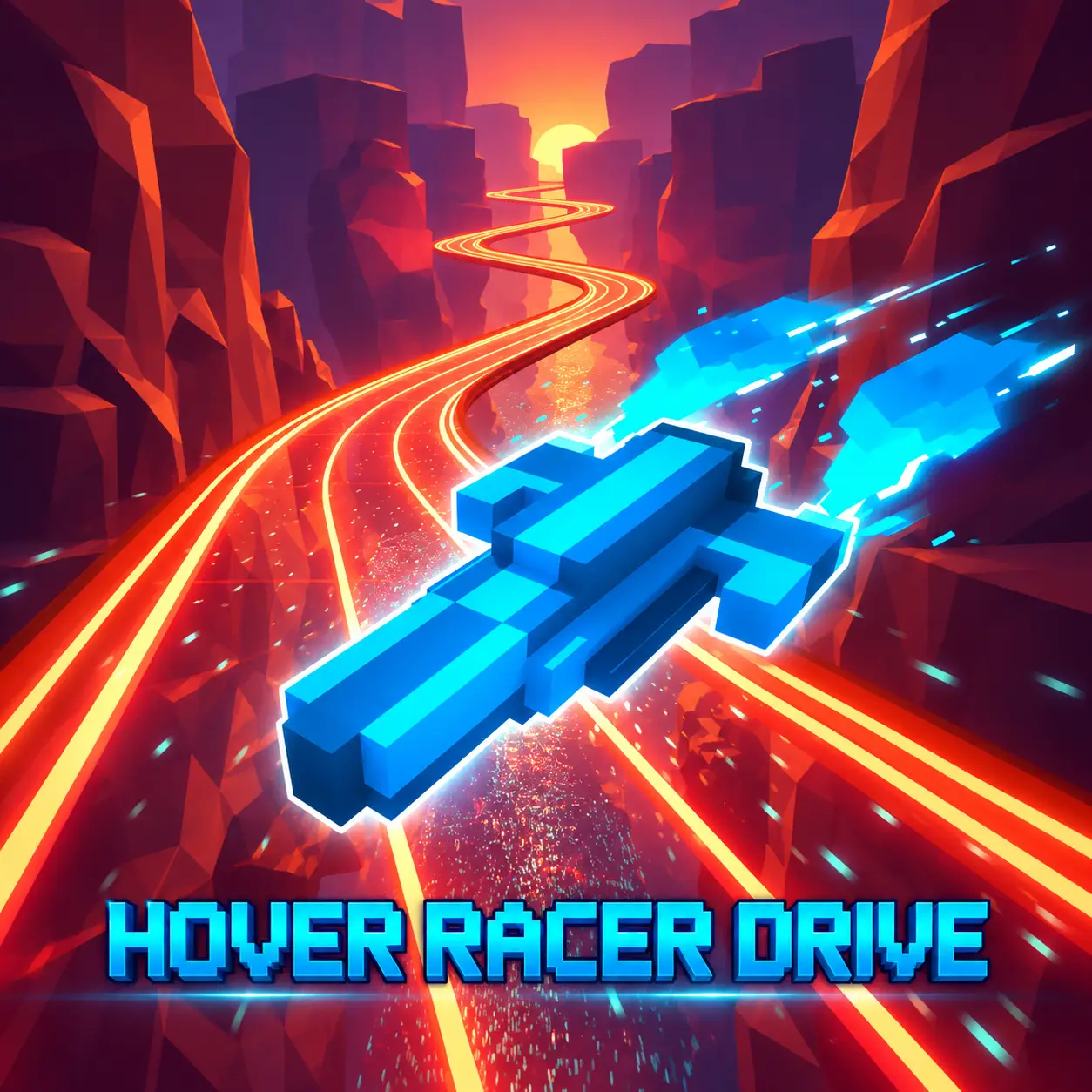
Steer a futuristic hovercraft, avoid digital obstacles, fly through bonus rings, and set a new distance record.
Steer a futuristic hovercraft, avoid digital obstacles, fly through bonus rings, and set a new distance record.
Hover Racer Drive is a futuristic endless racing game that places you in control of a high-speed hovercraft traveling through a digitally generated city. The vehicle moves forward automatically. Your task is to steer left and right, avoid large obstacles, pass through bonus rings, and travel farther than you did in your previous attempt.
The longer you survive, the faster and more demanding the run becomes. Quick reactions are important, but precise steering and early decision-making are the real keys to achieving a high score. Credits collected during your runs can be used to access better hovercrafts and continue your progression.
Play Hover Racer Drive online in a desktop browser and steer a futuristic hovercraft through a sci-fi racing course filled with digital obstacles and colored bonus rings.
Because the hovercraft accelerates automatically, you can focus on left and right movement, obstacle avoidance, ring collection, and setting a new distance record.
Load this browser skill game and start a run without downloading a separate client.
The hovercraft begins moving automatically when the run starts. Use A and D or the Left and Right Arrow keys to move across the course, avoid obstacles, fly through rings, and travel as far as possible.
Use A and D or the Left and Right Arrow keys to move across the course.
Watch the route ahead and steer around walls, pillars, barriers, and other objects. A direct collision ends the current attempt, so avoid making unnecessary movements.
Fly through colored rings whenever you can do so safely. Rings award extra points, credits, or temporary advantages, but some may appear close to obstacles.
Continue driving for as long as possible. Your score and distance increase as you survive, allowing you to compare each run with your personal record.
The hovercraft accelerates automatically. The commonly hosted browser version does not require separate acceleration or braking controls.
The hovercraft accelerates automatically. The commonly hosted browser version does not require separate acceleration or braking controls.
Move or steer left
Move or steer right
Move or steer left
Move or steer right
Navigate menus and select hovercrafts
Hover Racer Drive does not use a conventional finish line. The main objective is to survive for as long as possible and set a new distance record. The run ends immediately after a serious collision, so survival should take priority over collecting every available bonus.
Avoid all obstacles, travel farther than your previous attempt, increase your score, and maintain control as the speed rises.
Pass through colored bonus rings, collect credits, and unlock additional hovercrafts when you can do so without ending the run.
Improve your reactions and route planning so that later, faster sections remain controllable.
The hovercraft moves forward without requiring you to hold an acceleration key. This keeps the gameplay focused on steering and obstacle avoidance.
Because the vehicle never stops, you have limited time to choose a route. Obstacles approach continuously, and a safe opening can disappear if you hesitate.
Do not wait until the hovercraft is directly in front of a barrier before steering. Begin moving toward the safe space as soon as you identify it.
Every unnecessary correction creates additional risk. Choose a direction and allow the hovercraft to settle before changing course again.
Credits earned during gameplay support the game’s progression system. Accumulate enough currency to access additional futuristic hovercrafts.
New vehicles give you more designs to use during later attempts. Depending on the hosted version, hovercrafts may also differ in their speed or handling characteristics.
Do not focus entirely on collecting credits during your first few runs. Learn the steering response and obstacle patterns before taking more difficult routes. Once you are comfortable with the controls, you can begin targeting rings and credit opportunities more aggressively.
The futuristic route contains walls, blocks, pillars, and other barriers designed to interrupt your run. A clean route around an obstacle is always more valuable than taking a risky line toward a bonus ring.
Some obstacles leave a wide opening, while others require you to position the hovercraft precisely. Look toward the upper part of the course and identify open spaces early.
As the speed increases, the available reaction time becomes shorter. Make small steering adjustments instead of switching direction repeatedly.
Return toward the center after passing a barrier so that you still have room to move left or right.
Do not chase collectibles that sit on an unsafe line. A missed ring is better than ending a promising run.
Colored rings appear along the course and provide bonus points, credits, or temporary advantages when you pass through them.
A ring can increase the value of your run, but reaching it may require leaving the safest route. Check what lies behind the ring before committing to it.
If a ring is positioned directly in front of a barrier, prepare your next movement before collecting it. Waiting until you have passed through the ring may leave too little time to avoid the obstacle. Treat rings as optional rewards. Missing one is better than ending a promising run.
A central position gives you more space to move left or right when a new obstacle appears.
Watch the upcoming barriers rather than focusing only on the hovercraft.
Tap the movement keys to make precise adjustments and avoid sliding too far.
After avoiding an obstacle, allow the hovercraft to stabilize before changing direction again.
Do not risk a strong run for a ring positioned on a dangerous route.
Check the obstacle located behind a bonus ring before moving toward it.
Practice how far the vehicle moves after a short or long key press.
Faster movement does not always require larger inputs. Continue using controlled taps.
Try to improve your record by a manageable distance instead of expecting a perfect run immediately.
Identify whether the crash resulted from steering too late, moving too far, or choosing an unsafe bonus.
Build credits through consistent runs rather than sacrificing survival for every collectible.
Endless reaction games reward concentration. A short break can help when repeated mistakes begin affecting your timing.
The challenge becomes more intense the farther you travel. Higher speed reduces the amount of time available to react to each barrier.
Early sections allow you to learn the basic movement, while later sections demand faster decisions and more precise positioning.
At high speed, even a small overcorrection can send the hovercraft into a nearby obstacle. Short taps are usually more effective than holding a direction key.
Do not look directly at your vehicle. Focus farther ahead so you can anticipate the route instead of reacting at the last possible moment.
Faster movement does not always require larger inputs. Continue using controlled taps as the course becomes more demanding.
Consistency is more important than attempting to collect every bonus. Start by learning how far the hovercraft moves after a short key press. Once you understand the steering sensitivity, practice returning to the center of the route after each obstacle.
The center usually provides more options because you can move in either direction. Staying close to one side may leave no escape route when the next barrier appears.
Memorize recurring obstacle arrangements. Although individual runs may vary, recognizing familiar patterns can help you react more quickly.
Hover Racer Drive is an online flying game and endless racing game with a futuristic hovercraft, digital obstacles, and free browser-based gameplay.
The browser version allows you to start a run without downloading or installing a separate game client. Its compact control scheme works particularly well with a physical keyboard.
Because only left and right movement is required, the game is easy to understand. However, increasing speed, narrow gaps, and unpredictable obstacles create a substantial challenge for players trying to improve their records.
For smoother gameplay, use an updated desktop browser, enable hardware acceleration, and close unnecessary tabs before starting.
If you enjoy futuristic vehicles and reflex-based racing, try more games like Hover Racer Drive: