W or Up Arrow
Accelerate
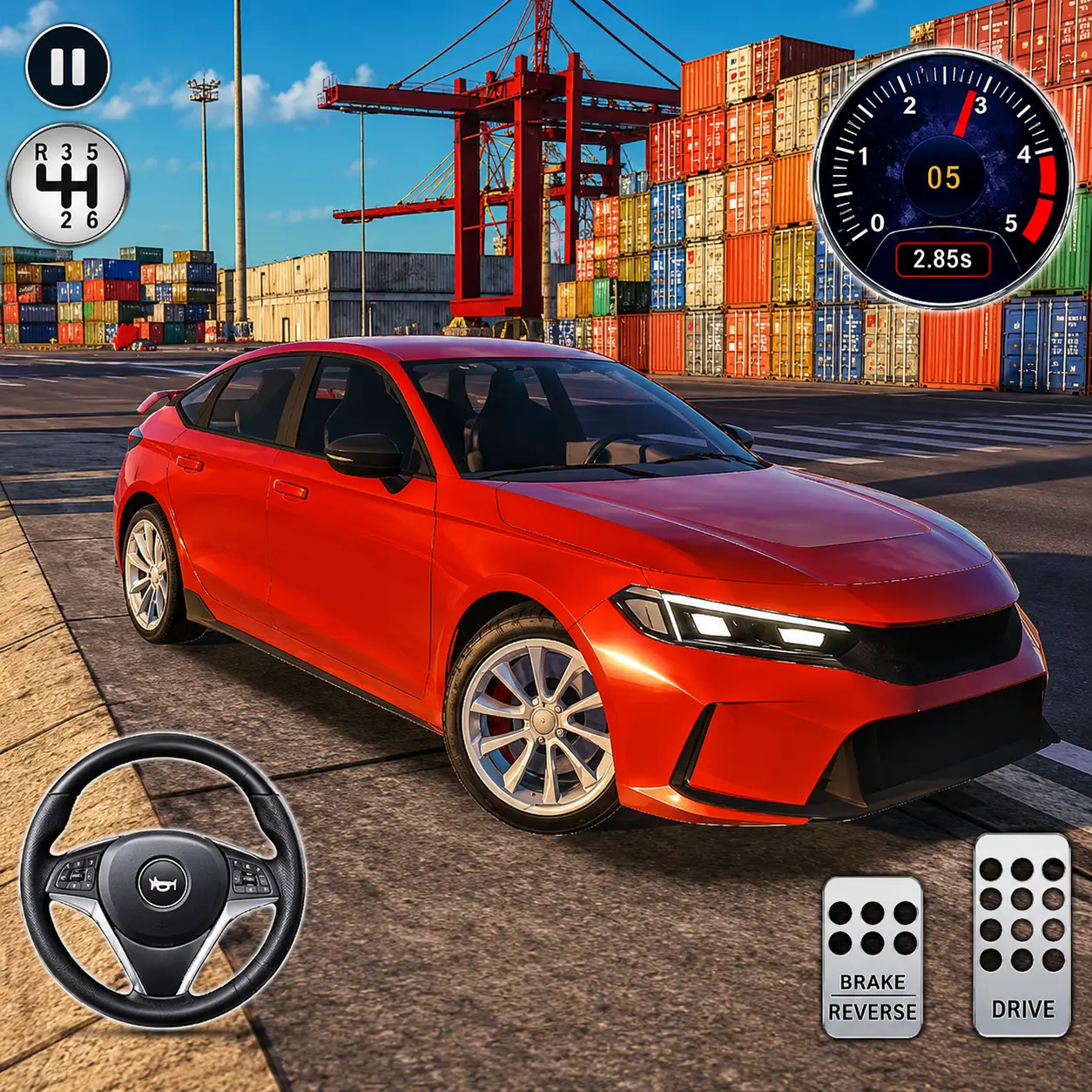
Explore a huge 3D city in powerful sports cars. Drive, drift, test your speed, and switch vehicles in your browser.
Explore a huge 3D city in powerful sports cars. Drive, drift, test your speed, and switch vehicles in your browser.
Evo City Driving is a free-roaming 3D car game that gives you an entire urban environment to explore. Choose a high-performance vehicle, enter the city, and drive wherever you want without races, missions, traffic rules, or time limits.
The game focuses on pure driving freedom. You can accelerate along wide highways, practice drifting around corners, explore unfamiliar streets, and test how each available car handles. There is no fixed route to follow, so every session can become your own driving challenge.
Play Evo City Driving directly in your desktop browser and take control of a collection of unlocked sports cars. You do not have to complete levels or win races before experimenting with different vehicles.
Once you enter the city, you are free to set your own objectives. You can search for the fastest road, practice controlled slides, explore every part of the map, or simply cruise through the streets.
The open environment makes Evo City Driving suitable for players who enjoy car games without constant competition. Instead of chasing opponents or completing a long campaign, you can focus on speed, steering, braking, and exploration.
Start by choosing a car from the vehicle selection screen. After entering the city, use the keyboard to accelerate, brake, reverse, and steer. There is no official finish line or mission objective. Your main activity is exploring the city and experimenting with the driving physics.
Start by choosing a car from the vehicle selection screen.
After entering the city, use the keyboard to accelerate, brake, reverse, and steer.
Try different routes, increase your speed on straight roads, and slow down before narrow corners to avoid losing control.
Use the brake while turning to make the car slide. If you want a different perspective, switch the camera until you find the view that feels most comfortable.
There is no official finish line or mission objective. Every session can become your own driving challenge.
Controls may vary slightly depending on the version of the game hosted on the website. The game is designed for desktop browser play with a keyboard and mouse.
Accelerate
Brake or reverse
Steer left
Steer right
Brake or handbrake
Change the camera view
Navigate the menus and select Change Car
A large 3D city to explore at your own pace.
Free-roaming driving gameplay with no fixed route.
A collection of unlocked sports cars you can switch between.
Different handling characteristics between vehicles.
Several camera perspectives you can cycle while driving.
Open roads for high-speed driving and speed tests.
Opportunities to practice drifting around city corners.
No compulsory races or missions to complete.
Keyboard controls designed for desktop browsers.
Play in your browser with no download required.
Spend a little time learning the steering response before trying to reach maximum speed.
Reducing speed before a corner gives you more control and prevents the car from sliding too far.
Tap the spacebar instead of holding it continuously when attempting a drift.
Press C to switch perspectives. A wider camera can help you see upcoming corners, while a closer view can make driving feel more immersive.
Remembering long roads, sharp turns, and useful intersections will help you create better driving routes.
Do not judge every car by its appearance. Test its acceleration, braking distance, and cornering ability before choosing a favorite.
Try driving across the city without crashing, performing a clean drift around several corners, or reaching your highest possible speed on a long road.
The open city provides enough space to practice basic drifting without following a competitive race route. Approach a corner at a controlled speed, begin steering, and briefly press the spacebar to make the rear of the car slide.
Approach a corner at a controlled speed and begin steering before you use the brake.
Briefly press the spacebar to make the rear of the car slide. Avoid holding the brake for too long.
A short input usually makes the car easier to recover. Once the vehicle begins to straighten, release the brake and accelerate smoothly.
It may take several attempts to understand how each car reacts. Test the same corner with different vehicles to compare their handling.
The city is the main playground in Evo City Driving. Its network of streets, highways, junctions, ramps, and corners gives you plenty of space to experiment with your vehicle.
Wide roads are ideal for testing acceleration and top speed, while tighter sections require more careful steering. Because the game does not force you onto a predefined course, you can leave the main roads and discover your own routes through the urban environment.
Evo City Driving includes a selection of cars that can be accessed from the vehicle menu. The available vehicles differ in areas such as acceleration, speed, braking, and handling.
A fast car may perform well on long roads but become difficult to control in sharp corners. A more stable vehicle may be easier to drive when exploring narrow parts of the city. Switch between cars to discover which one best matches your driving style.
Driving at maximum speed is easy on a straight road, but keeping the car under control is the real challenge. Small steering movements can become much more important as your speed increases.
Release the accelerator or brake before entering a tight corner. After the car is pointing in the correct direction, accelerate again to regain speed. This method is more reliable than entering every turn at full throttle.
The browser version lets you begin driving without installing a separate game client. Load the game page, choose a vehicle, and use your keyboard to enter the city.
Its open-ended structure also works well for short or long sessions. You can spend a few minutes testing one car or continue exploring until you have learned the entire map.
If the game does not load correctly, make sure hardware acceleration is enabled and use an updated desktop browser that supports WebGL. Closing unnecessary tabs may also improve performance on less powerful computers.