Up Arrow
Accelerate
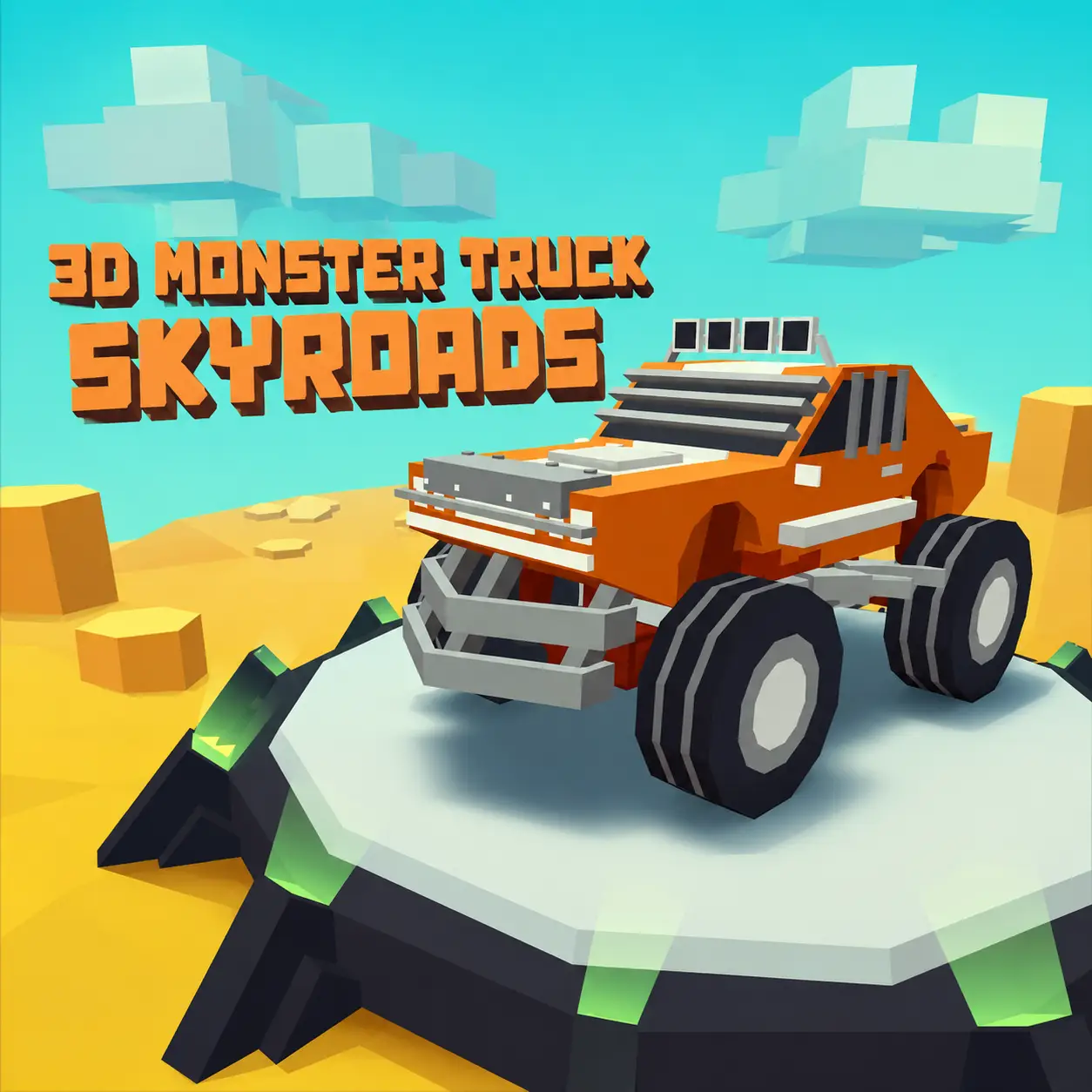
Race across floating tracks, activate nitro, drift around corners, and perform spectacular aerial tricks.
Race across floating tracks, activate nitro, drift around corners, and perform spectacular aerial tricks.
3D Monster Truck Skyroads is a stunt-driving game that sends powerful trucks onto obstacle courses floating high above the ground. Race across narrow roads, enter enormous loops, launch from ramps, and perform aerial tricks as you attempt to reach the end of every track.
Speed alone will not take you to the finish. You must also drift through difficult corners, control the truck in the air, manage your nitro supply, and avoid falling from the suspended road.
Play 3D Monster Truck Skyroads directly in your desktop browser and experience a combination of racing, platform driving, and aerial stunts.
Each level takes place on an elevated track filled with sharp turns, gaps, ramps, loops, and narrow platforms. One poorly timed movement can send your truck over the edge, so every section requires a balance between speed and precision.
Complete tracks to progress through the game and unlock additional monster trucks. You can also perform tricks and improve your score while racing toward the finish.
Choose an available monster truck and begin the first track. Use the Arrow keys to accelerate, brake, and steer. Follow the elevated road while avoiding its edges, then reach the finish safely to continue your progress.
Choose an available monster truck and begin the first track. Use the Arrow keys to accelerate, brake, and steer.
Follow the elevated road while avoiding its edges. Build enough speed before ramps and loops, but slow down when approaching tight corners.
Activate nitro when you need extra acceleration for a long jump or steep section. While the truck is airborne, press Z, X, or C to perform tricks and earn points and additional nitro.
Complete the stunt before landing and make sure the vehicle is correctly aligned with the track. Reach the finish safely to complete the level.
The controls are designed for desktop play and work best with a physical keyboard.
The controls are designed for desktop play and work best with a physical keyboard.
Accelerate
Brake or reverse
Steer left
Steer right
Activate nitro
Drift or slide
Perform an aerial trick
Perform an aerial trick
Perform an aerial trick
The tracks in 3D Monster Truck Skyroads are built above open space. Unlike conventional racing courses, there are often no barriers to prevent the truck from falling.
Wide sections allow you to accelerate, while narrow platforms demand smaller steering inputs. The roads may also include loops, separated platforms, steep ramps, and corners positioned immediately after a landing.
Look ahead whenever possible. Knowing what comes after a jump will help you decide how much speed to use and whether performing a stunt is safe.
The Z, X, and C keys activate different tricks while the monster truck is in the air. Successful stunts increase your score and can help replenish your nitro.
Begin the trick shortly after leaving the ramp, but leave enough time to finish the animation and prepare for landing.
Avoid attempting a complicated stunt during a short jump. If the truck does not complete its rotation before reaching the road, you may crash or fall from the track.
Finish the stunt before landing so the truck is correctly aligned with the next section of the track.
Additional vehicles become available as you complete tracks. This progression gives you a reason to continue beyond the opening levels and test every truck in the garage.
Different vehicles may feel slightly different when accelerating, drifting, jumping, or landing. Experiment with the available trucks to find one that suits your preferred driving style.
Your choice of vehicle can also influence how confidently you approach loops, narrow roads, and aerial tricks.
Nitro provides a temporary burst of acceleration. It is especially useful when approaching a large loop, climbing a steep road, or preparing for a long jump. The fastest strategy is not to activate nitro continuously. Save it for sections where the additional speed provides a clear advantage.
Use nitro on long straight roads where the truck can accelerate safely.
Activate nitro on the approach to a large ramp.
Use nitro at the entrance to a vertical loop to keep momentum.
Save nitro for steep uphill sections that need extra acceleration.
Avoid using nitro immediately before a sharp turn or narrow platform. The sudden increase in speed may make the truck difficult to control.
Press the Spacebar while steering to make the truck slide. Drifting can help you turn more sharply when a standard steering movement is not enough.
Release the accelerator before entering the corner, begin turning, and tap the Spacebar to rotate the vehicle. Once the front of the truck points toward the next section, release the drift key and accelerate again.
Drifting at excessive speed can send the truck over the edge. Practice on wider corners before attempting it on narrow sky roads.
Your first objective should be reaching the finish. Once you know the location of every ramp and corner, replay the level and add more tricks.
Activate nitro while approaching a ramp rather than after leaving it. Building speed on the ground produces a longer and more controlled jump.
The suspended tracks can be narrow. Tapping a direction key is often safer than holding it.
Use normal steering when there is little space. Save drifting for wider corners where the truck has room to slide.
Use short tricks for small ramps and reserve longer combinations for jumps that provide enough airtime.
Give yourself time to stabilize the truck. Additional points are not useful if the stunt causes you to miss the road.
Accelerate before reaching a loop and use nitro if necessary. Losing momentum near the top may cause the truck to fall.
Do not focus only on clearing the gap. A corner or narrow platform may begin immediately after the landing.
Driving in the middle of the road gives you more time to correct a mistake in either direction.
Replaying lets you improve your route, collect more rewards, perform additional stunts, and work toward a higher score.
A successful jump does not end when the truck clears the gap. You must still land with the vehicle aligned to the next section of the track. A stable landing allows you to maintain momentum. A poor landing may cause the truck to bounce, spin, or slide away from the road.
Finish any active aerial trick before the wheels touch the road.
Point the truck in the direction of the road and avoid unnecessary steering.
Check whether the landing area leads into a turn. Release nitro if the platform is short.
Prepare to brake after landing so the truck stays on the next section of track.
3D Monster Truck Skyroads constantly asks you to choose between driving faster and staying safe. Additional speed can help you clear a long gap, but it also makes narrow corners more dangerous.
The best approach changes throughout each track. Accelerate aggressively on straight roads and before loops, then reduce your speed before complicated turns or small landing platforms.
Learning when not to use nitro is just as important as knowing when to activate it.
The browser version combines 3D monster truck racing with elevated stunt tracks, nitro, drifting, and aerial tricks.
The browser version allows you to begin racing without installing a separate game client. Its keyboard control scheme gives you direct access to driving, drifting, nitro, and three different stunt commands.
The game uses Unity WebGL technology and was designed as a single-player browser experience. For smoother performance, use an updated desktop browser, enable hardware acceleration, and close unnecessary background tabs.