W or Up Arrow
Accelerate
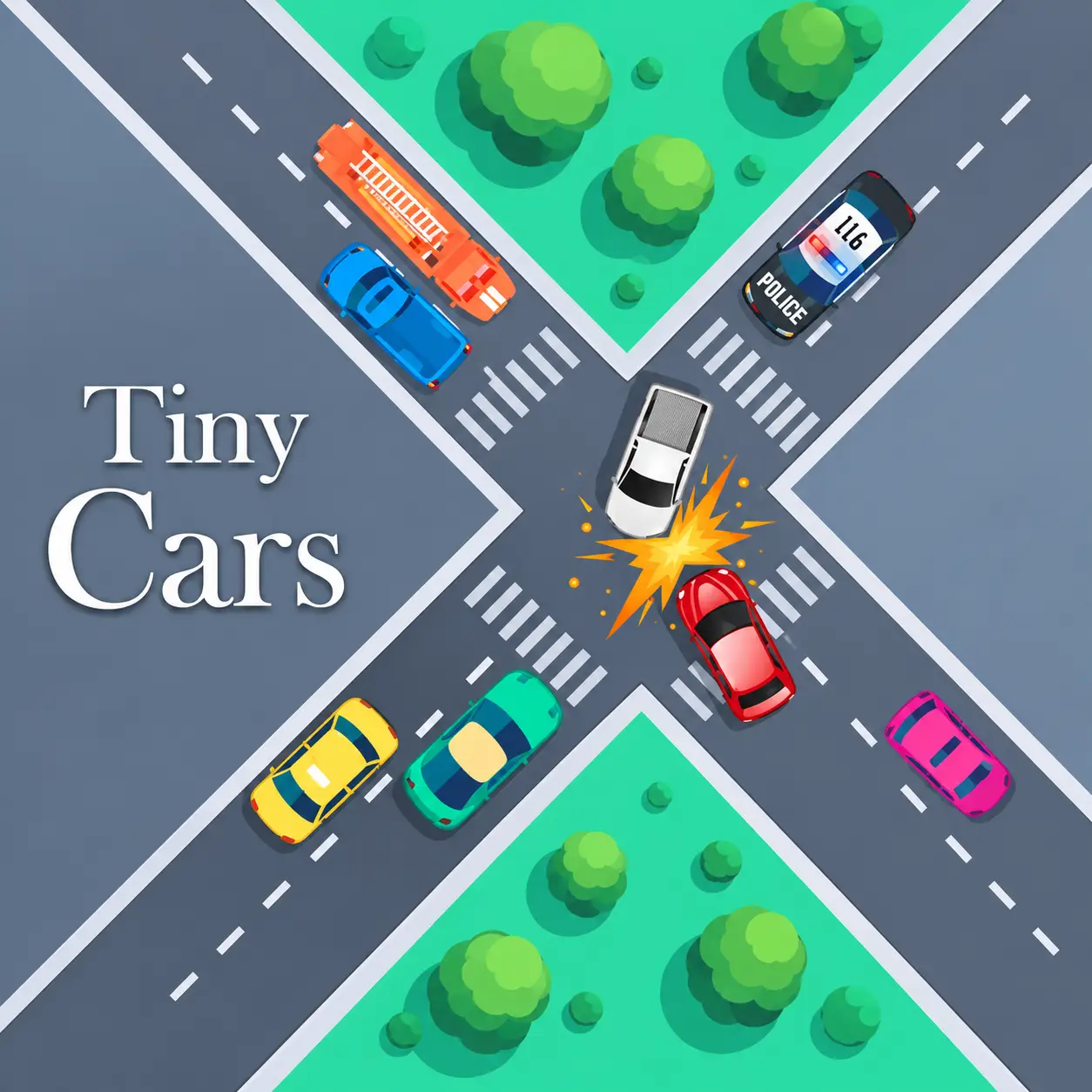
Drift around household obstacles, collect every checkpoint, beat your ghost, and set faster times across 25 miniature tracks.
Play Tiny Cars online in your browser. Drift around household obstacles, collect every checkpoint, beat your ghost, and set faster times across 25 miniature tracks.
Tiny Cars is a fast-paced 3D time-trial racing game in which miniature vehicles compete across tracks constructed from everyday household objects. Tables, books, containers, ramps, and other familiar items become enormous obstacles when viewed from behind a tiny racing car.
Each track challenges you to collect every checkpoint and reach the finish as quickly as possible. There are no weapons or conventional opponents blocking your path. Your real competition is the clock—and the ghost representing a previous run.
Tiny Cars emphasizes precision, drifting, route memorization, and continuous improvement. With 25 official tracks to complete, the game offers plenty of opportunities to refine your racing lines and lower your personal records. Tiny Cars was developed by qknoxy, with 3D art credited to KyperArt.
Play Tiny Cars online in a desktop browser and race a miniature car game filled with time trial racing, checkpoint racing, drifting, and 3D car gameplay.
This browser racing game challenges you to collect every checkpoint, beat your ghost, and set faster times across 25 official tracks.
Load the game and start racing without downloading a separate client.
Select an available track and begin accelerating toward the first checkpoint. Follow the course carefully and pass through every checkpoint before reaching the finish.
A fast run requires more than holding the accelerator. You must control your speed before difficult corners, avoid household obstacles, and position the car correctly for the next section of the track.
If you make a major mistake, restart immediately and try again. Each attempt helps you learn the course and discover where you can save time.
Drive with WASD or the Arrow keys, press R or Backspace to restart the current run, and press E to show or hide the ghost.
The simple keyboard layout makes Tiny Cars easy to understand in a desktop browser.
Accelerate
Brake and reverse
Steer left
Steer right
Restart the current run
Show or hide the ghost
Your objective is to collect all checkpoints and finish each miniature track in the shortest possible time.
Find an efficient route through every checkpoint and maintain speed without losing control.
Drift through corners when appropriate, avoid hitting obstacles, and recover quickly from small mistakes.
Compare your performance with the ghost, repeat tracks to improve your personal best, and compete for better leaderboard positions.
Tiny Cars includes 25 official tracks designed around miniature environments and oversized household objects. Each course presents a different combination of corners, jumps, narrow paths, checkpoints, and hazards.
Some tracks reward aggressive acceleration, while others require careful braking and accurate steering.
Completing a course is only the first step. The deeper challenge comes from learning every corner well enough to produce a faster and cleaner run.
Do not expect the same driving strategy to work everywhere. Study the layout and adjust your approach to the track in front of you.
You must collect every required checkpoint before your run can be completed. Missing one may force you to turn around, costing several valuable seconds.
Look ahead and identify the position of the next checkpoint before reaching the current one. This allows you to prepare your racing line early instead of making a sudden correction.
Try to drive through each checkpoint at an angle that naturally points the car toward the next part of the course.
Use your first few attempts to understand the track, then apply these methods when you start chasing records.
Memorize checkpoint locations, dangerous obstacles, and difficult corners before concentrating on speed.
Reduce your speed before turning rather than braking in the middle of a corner. This makes the car easier to control and lets you accelerate sooner when exiting.
Approach wide, turn toward the inside of the corner, and move outward as you exit. A smooth line helps preserve momentum.
Constant corrections can slow the car and make it unstable. Use short, deliberate steering inputs to keep your chosen line.
If you miss a checkpoint or suffer a serious collision near the beginning, restarting is often faster than continuing a compromised attempt.
Do not simply chase the ghost’s position. Observe where it gains speed and use that information to improve your next run.
The ghost gives you a visual reference for comparing your current attempt with another recorded run. It can reveal exactly where you gain or lose time.
If the ghost pulls ahead after a corner, examine your entry speed and racing line. You may be braking too early, turning too sharply, or accelerating too late.
The ghost can also become distracting on narrow tracks. Press E to hide it when you need a clearer view of the road, then enable it again when you want to compare your performance.
Holding the accelerator through every corner is one of the fastest ways to lose control. Speed is valuable only when you can keep the car on the correct route.
Late steering creates a wider route and can send the car into household obstacles.
Reduce speed before the turn so you can accelerate earlier on the exit.
Look ahead so you can line up the next gate instead of making a sudden correction.
Constant adjustments slow the car and make it unstable.
Colliding with obstacles while chasing the ghost costs more time than a slightly slower, cleaner line.
Continuing a heavily damaged time attempt is usually slower than restarting immediately.
Trying to set a record before learning the course leads to repeated mistakes.
Consistency usually produces better results than one extremely aggressive section followed by several mistakes.
Drifting helps you keep momentum through tight corners built from books, ramps, and other oversized household objects.
Reduce your speed before turning rather than braking in the middle of a corner. This makes the car easier to control and lets you accelerate sooner when exiting.
Approach wide, turn toward the inside of the corner, and move outward as you exit. Use short, deliberate steering inputs instead of constant corrections.
If you miss a checkpoint or suffer a serious collision near the beginning, restarting is often faster than continuing a compromised attempt.
Press R or Backspace to restart the current run. Because a failed attempt can be restarted instantly, Tiny Cars creates a satisfying cycle of racing, analyzing mistakes, and trying again.
Use your first few attempts to understand the track. Memorize checkpoint locations, dangerous obstacles, and difficult corners before concentrating on speed.
Tiny Cars is a 3D time-trial racing game and browser racing game with miniature cars, household environments, and checkpoint racing gameplay.
Tiny Cars offers short, focused racing challenges that work particularly well in a web browser. A track can be attempted quickly, but improving a personal record may require many carefully refined runs.
The simple keyboard layout makes the game easy to understand. Its depth comes from learning braking points, controlling drifts, reading upcoming checkpoints, and maintaining momentum through difficult sections.
Because a failed attempt can be restarted instantly, Tiny Cars creates a satisfying cycle of racing, analyzing mistakes, and trying again.
If you enjoy Tiny Cars, try other online driving games that reward accurate steering and repeated practice:
Start your engine, collect every checkpoint, and keep improving until you achieve your fastest time in Tiny Cars.